
Welcome to the Golden Years IT Learning Center
SENIOR TECH BLOG CATEGORIES:
Online Safety
Scam Prevention
Smartphone and Tablet Help
Computer and Internet Help
Tech Tips for Seniors
Technology should feel simple and helpful — not confusing.
These free guides are designed especially for seniors, with clear instructions and easy-to-follow steps to help you stay confident and safe online.
Need a little extra guidance? Start with a One-hour troubleshooting session or choose a Monthly subscription for continued support whenever you need it. We’re here for you — every step of the way. Just click the “Become a Member” button below to join.
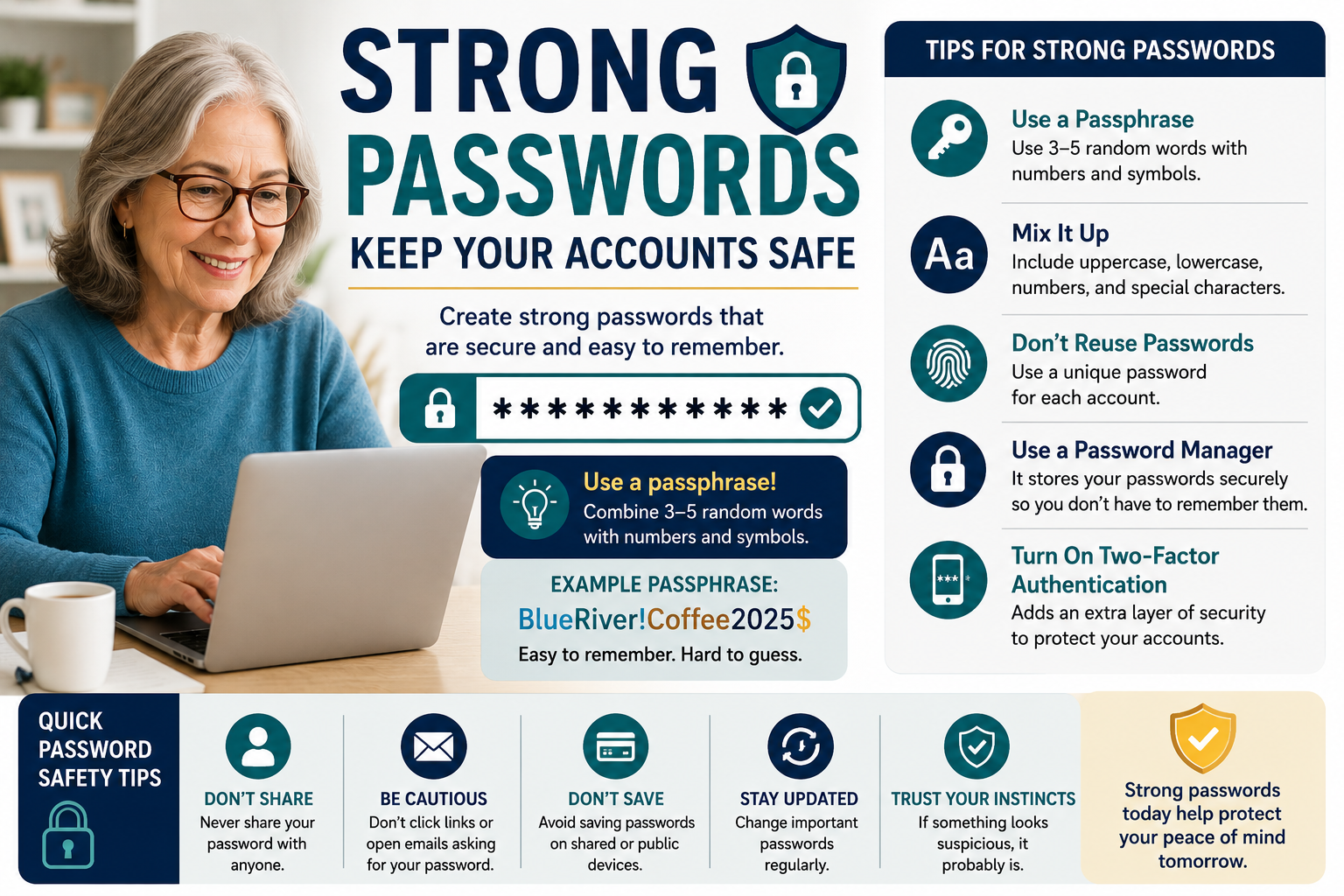
How to Create Strong Passwords Without Forgetting Them
Discover how to create strong passwords that are secure and easy to remember. Learn password safety tips, passphrases, password managers, and simple ways to protect your online accounts from scams and cyber threats.
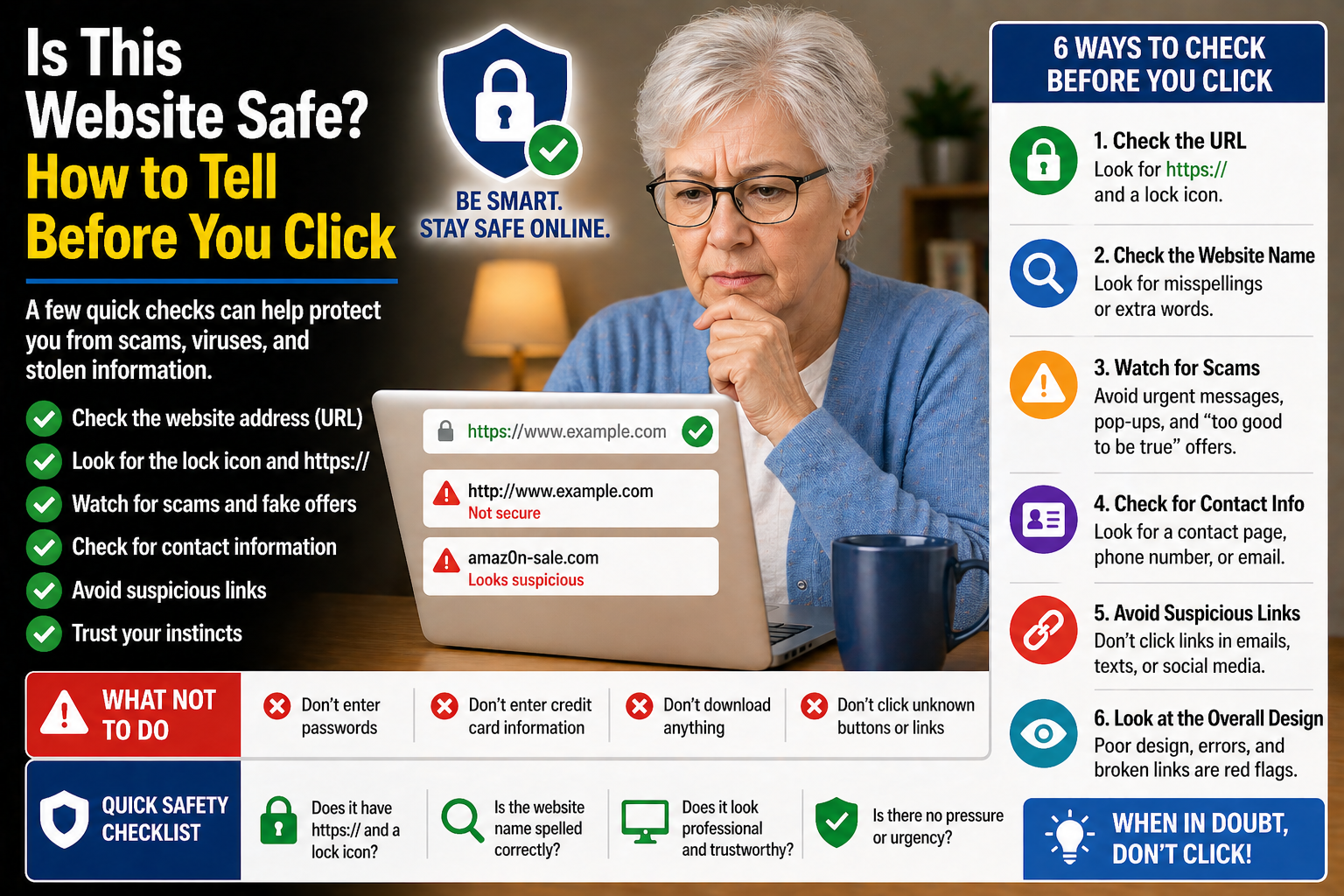
Is This Website Safe? How to Tell Before You Click
Discover simple ways to identify safe websites, avoid suspicious links, and protect yourself from scams and unsafe online pages.
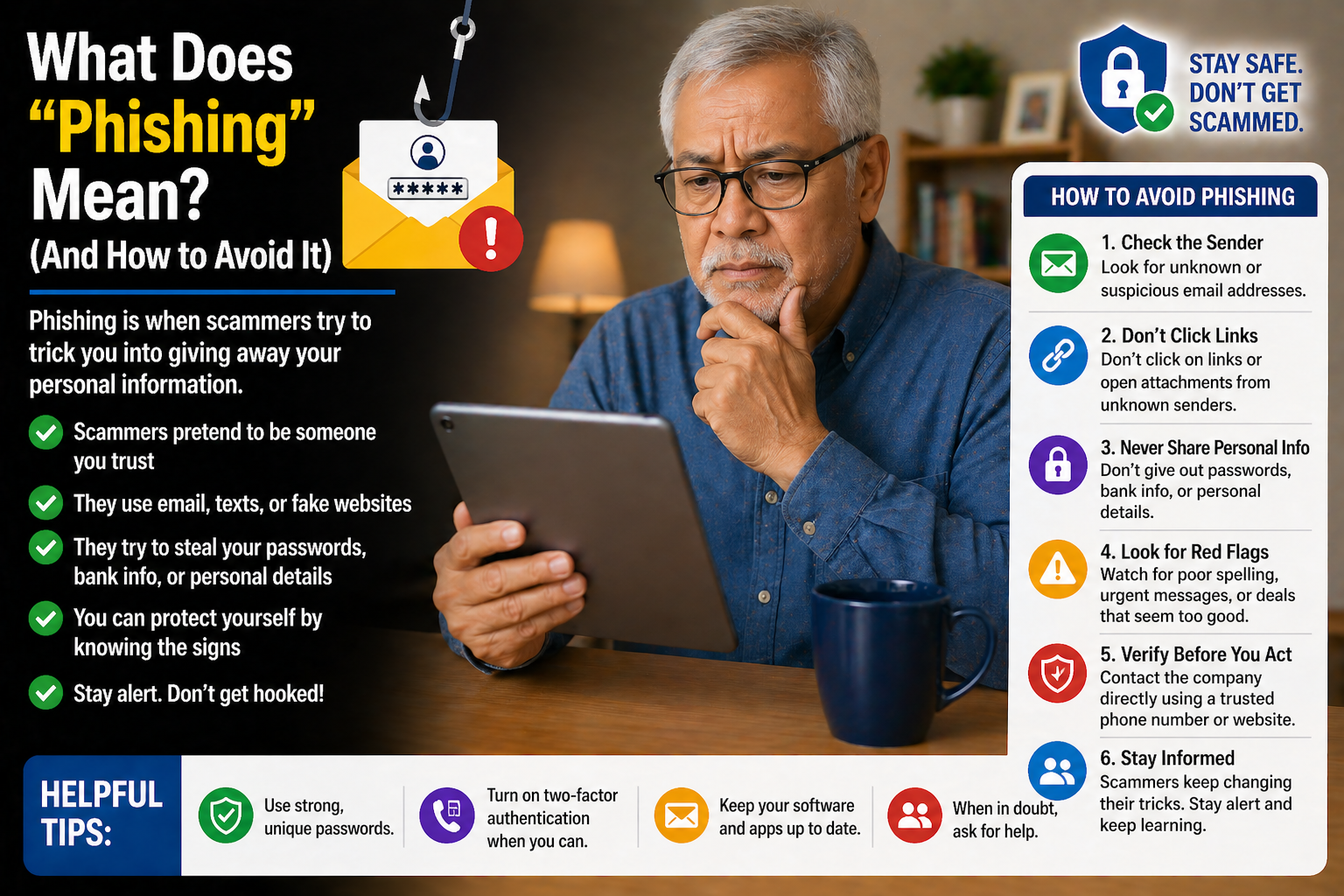
What Does “Phishing” Mean? (And How to Avoid It)
Discover how phishing scams work and learn simple tips to avoid fake emails, text messages, and websites designed to steal personal information.
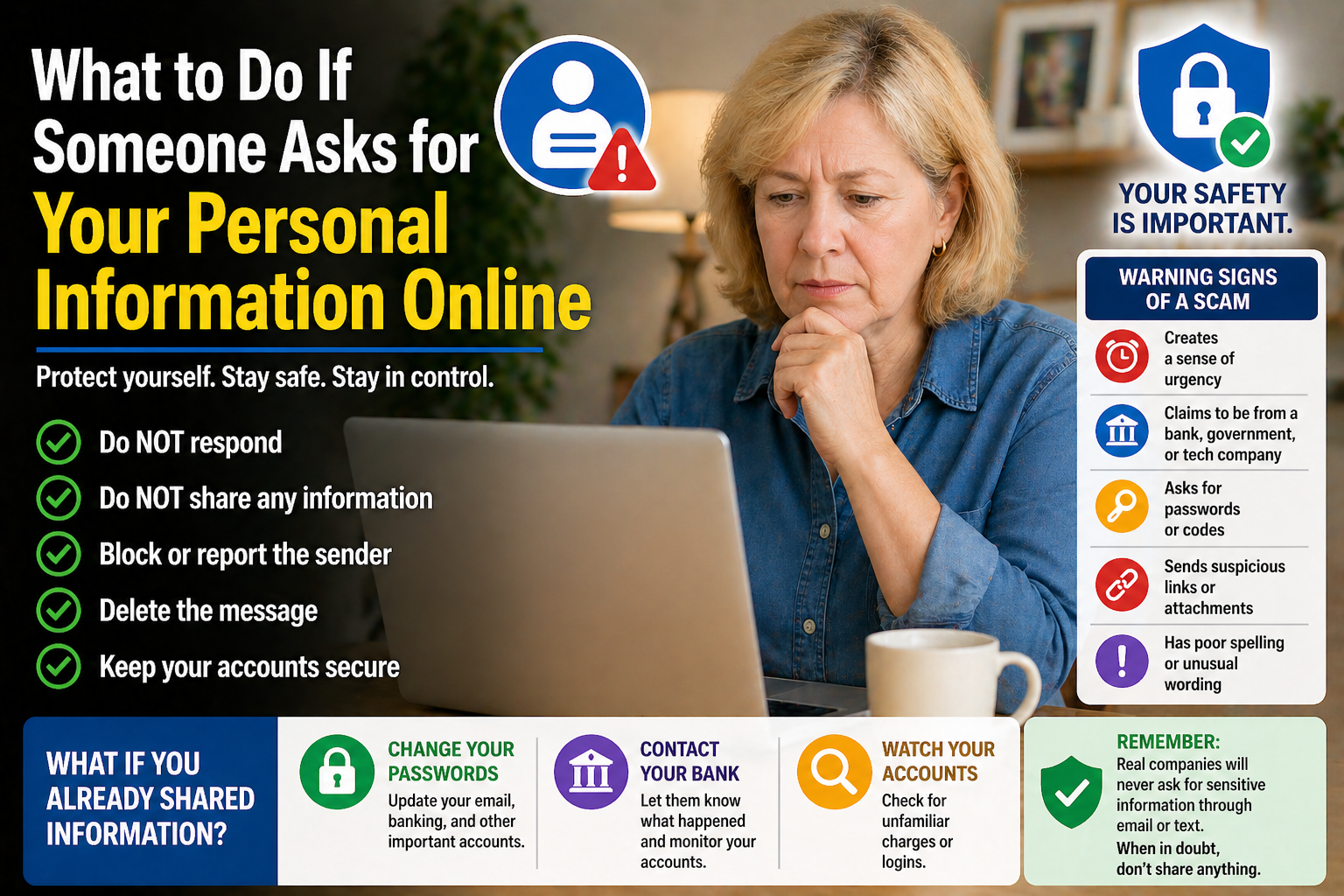
What to Do If Someone Asks for Your Personal Information Online
Discover simple ways to protect your personal information online and learn what to do when websites, emails, or messages ask for sensitive details.
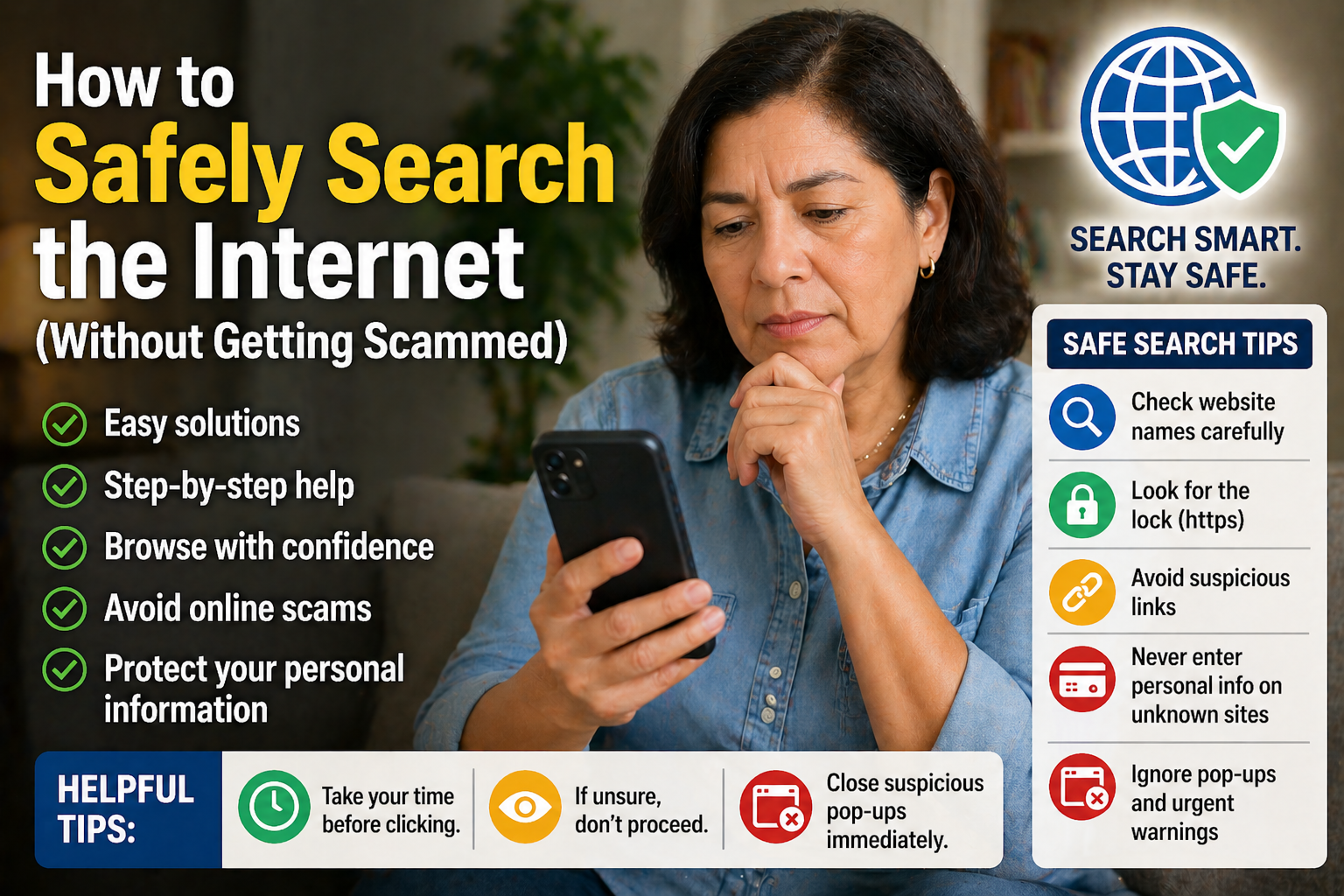
How to Safely Search the Internet Without Getting Scammed
Discover simple ways to search the internet safely, recognize suspicious websites, and avoid common online scams targeting seniors.
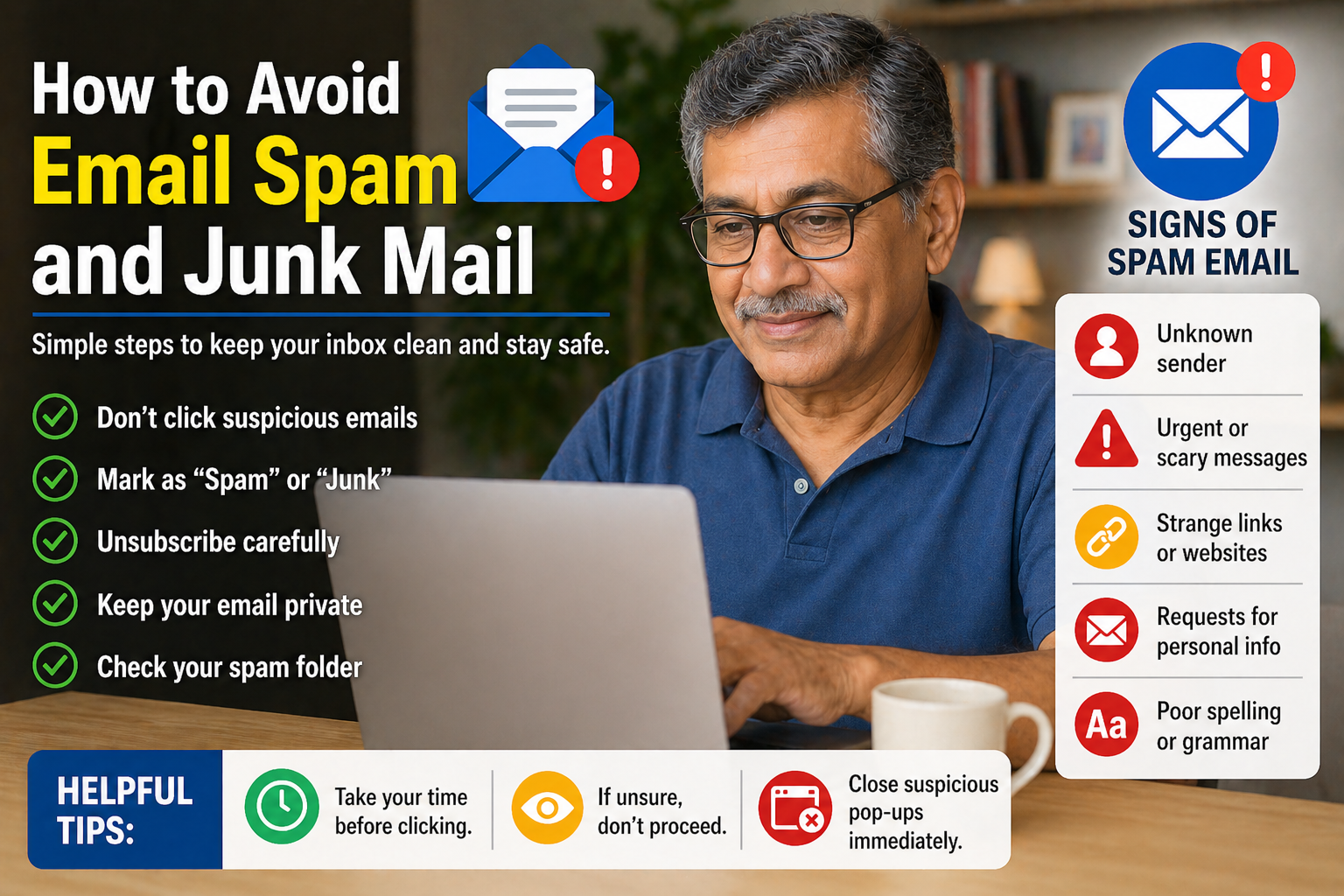
How to Avoid Email Spam and Junk Mail
Discover easy tips to reduce spam emails, organize your inbox, and avoid suspicious messages with this beginner-friendly guide for seniors.
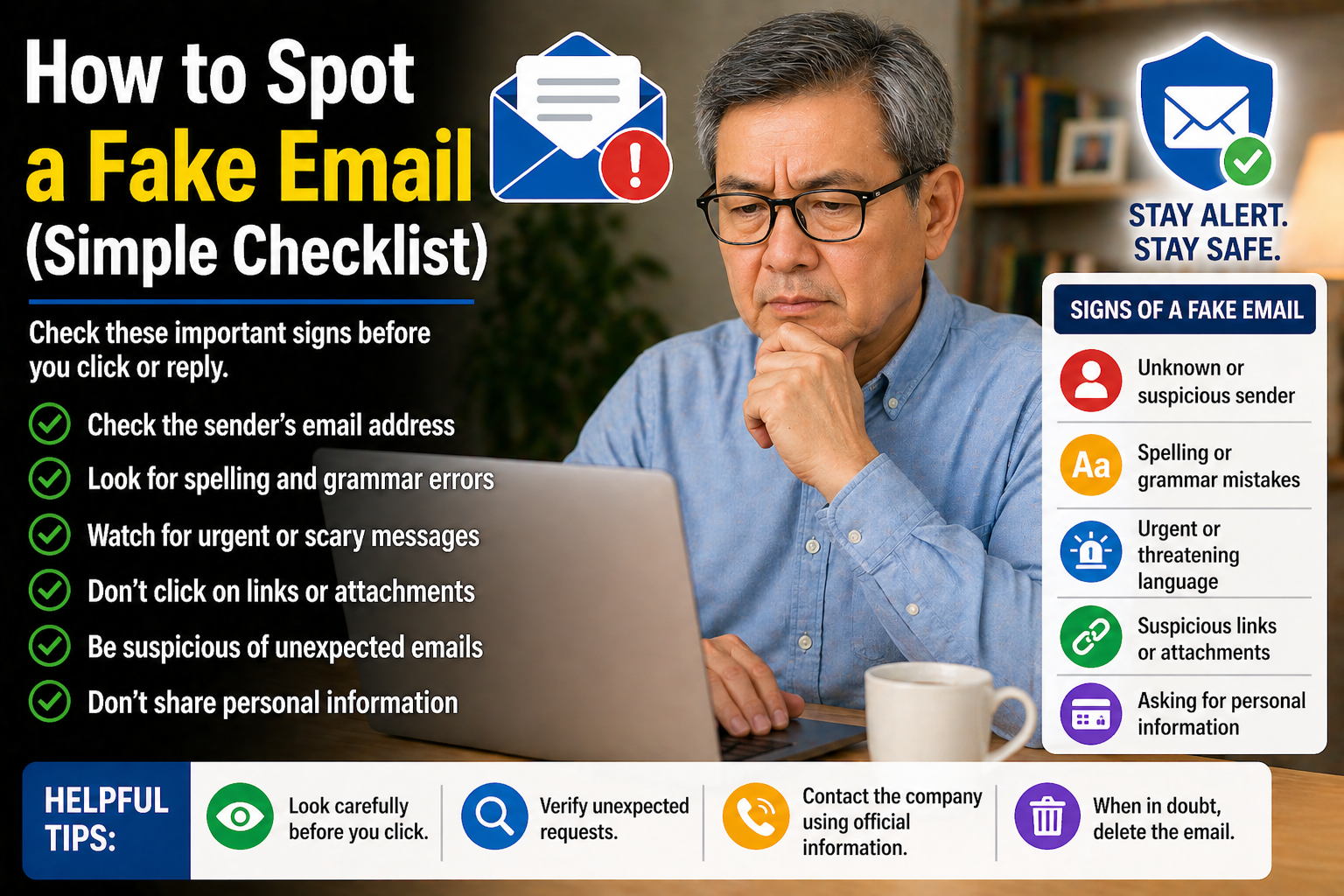
How to Spot a Fake Email (Simple Checklist)
Discover common warning signs of fake emails and learn simple ways to stay safer from phishing scams and online fraud.
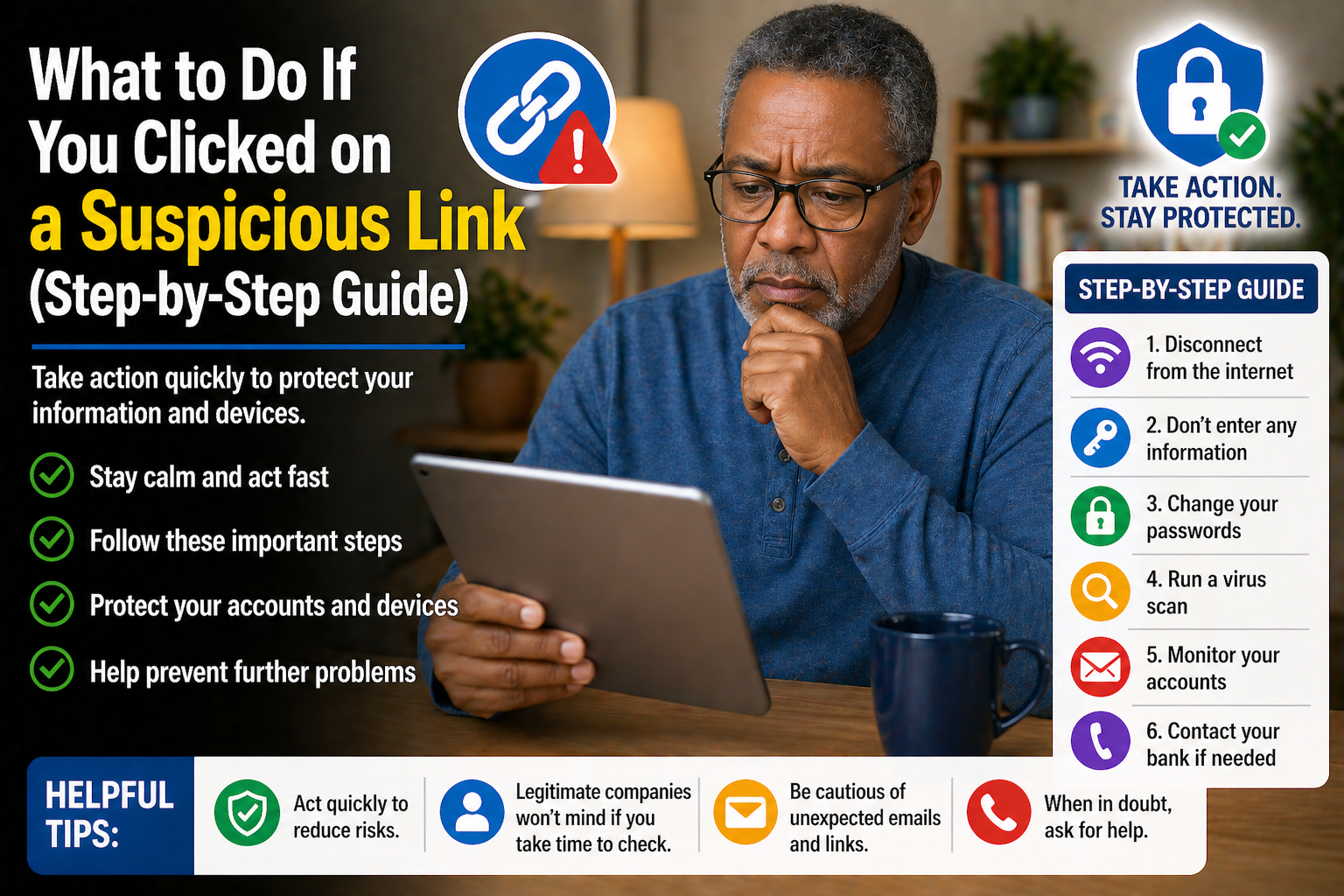
What to Do If You Clicked on a Suspicious Link (Step-by-Step Guide)
Clicked a suspicious link? Learn simple steps to secure your device, protect your personal information, and reduce the risk of online scams.
Disclaimer: The blog articles provided by Golden Years IT are for general educational and informational purposes only. While we strive to share helpful and accurate technology tips, online threats and technology features may change over time. Readers should use their own judgment and verify important information before making decisions related to devices, accounts, privacy, or online security.