
Welcome to the Golden Years IT Learning Center
SENIOR TECH BLOG CATEGORIES:
Online Safety
Scam Prevention
Smartphone and Tablet Help
Computer and Internet Help
Tech Tips for Seniors
Technology should feel simple and helpful — not confusing.
These free guides are designed especially for seniors, with clear instructions and easy-to-follow steps to help you stay confident and safe online.
Need a little extra guidance? Start with a One-hour troubleshooting session or choose a Monthly subscription for continued support whenever you need it. We’re here for you — every step of the way. Just click the “Become a Member” button below to join.
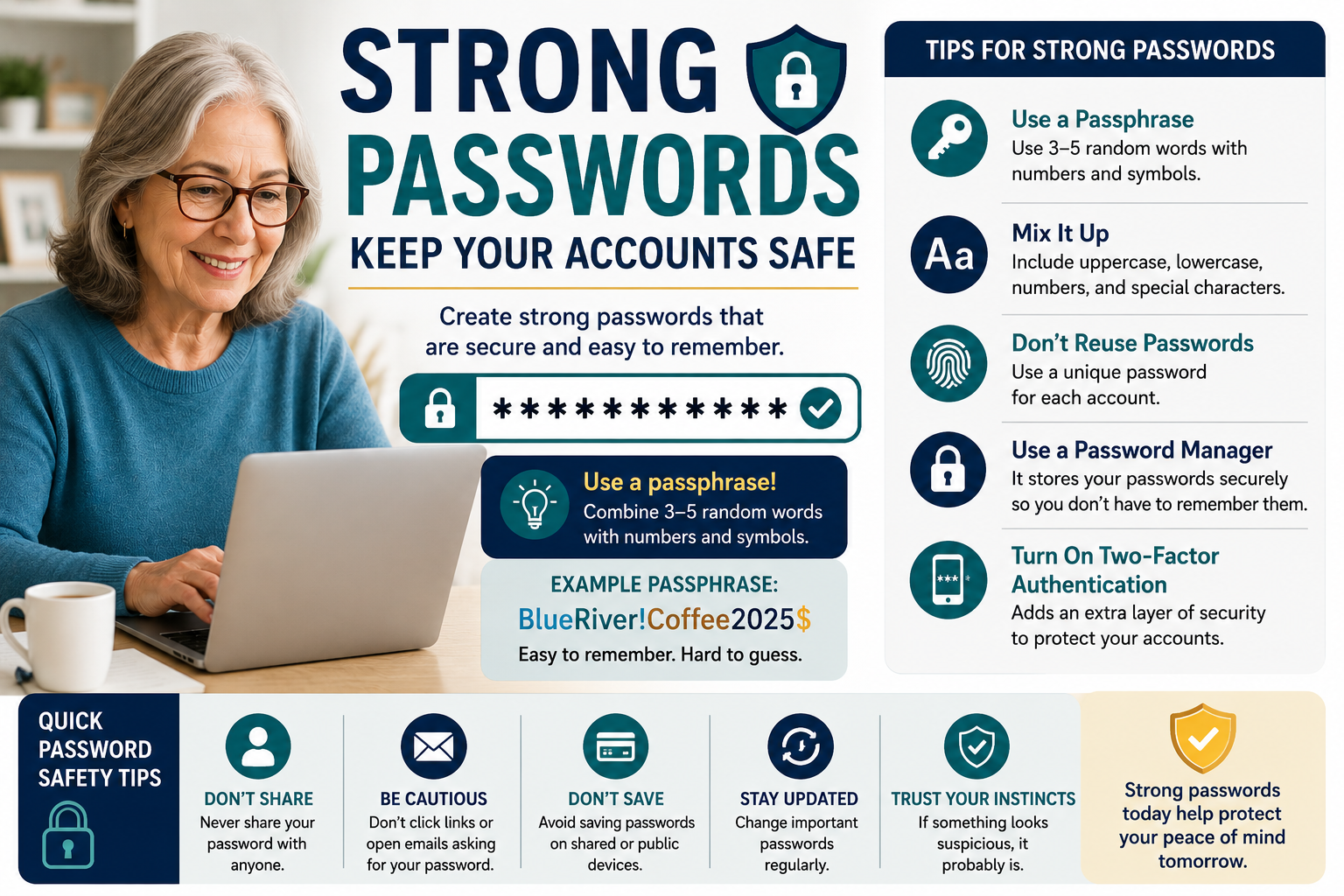
How to Create Strong Passwords Without Forgetting Them
Discover how to create strong passwords that are secure and easy to remember. Learn password safety tips, passphrases, password managers, and simple ways to protect your online accounts from scams and cyber threats.
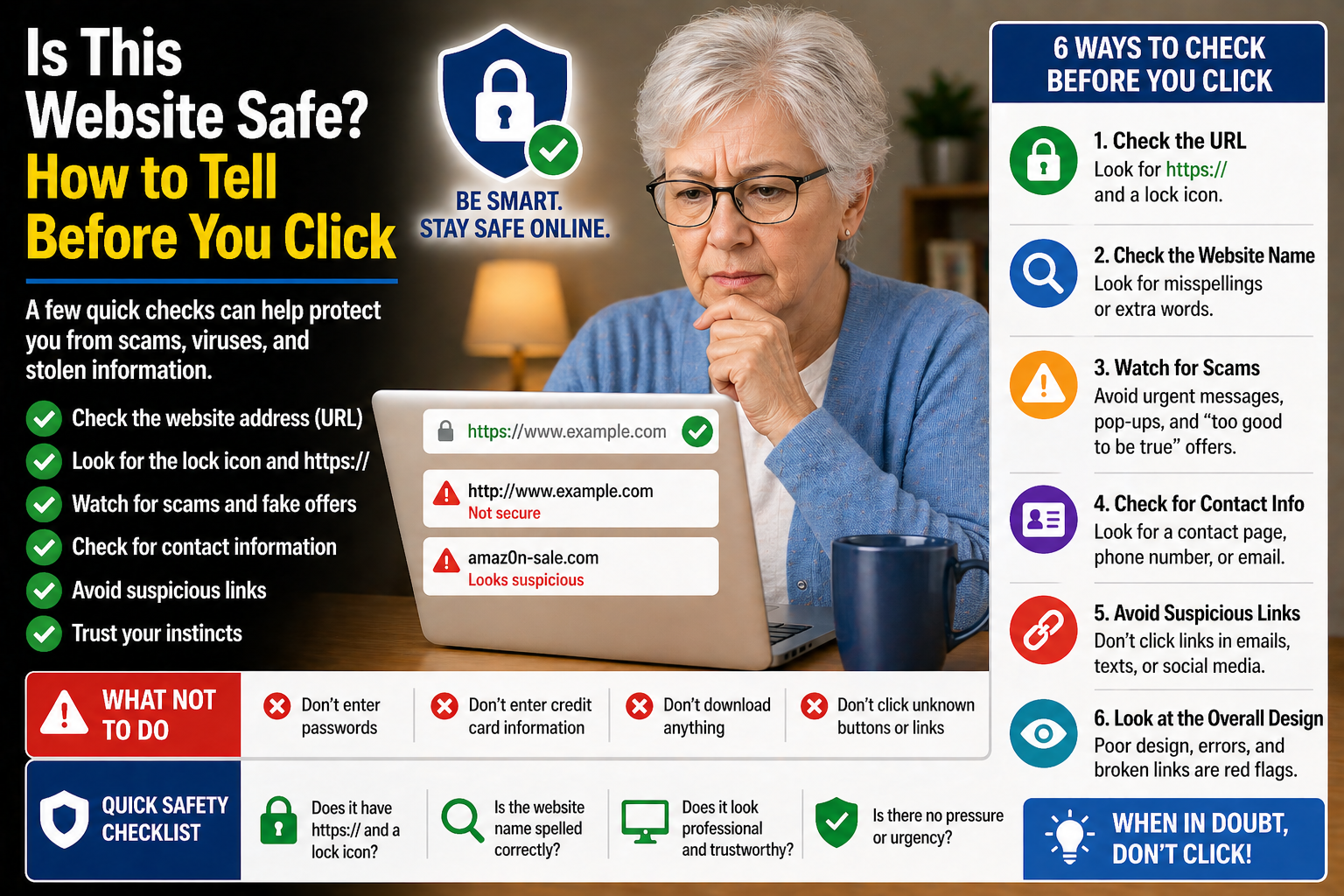
Is This Website Safe? How to Tell Before You Click
Discover simple ways to identify safe websites, avoid suspicious links, and protect yourself from scams and unsafe online pages.
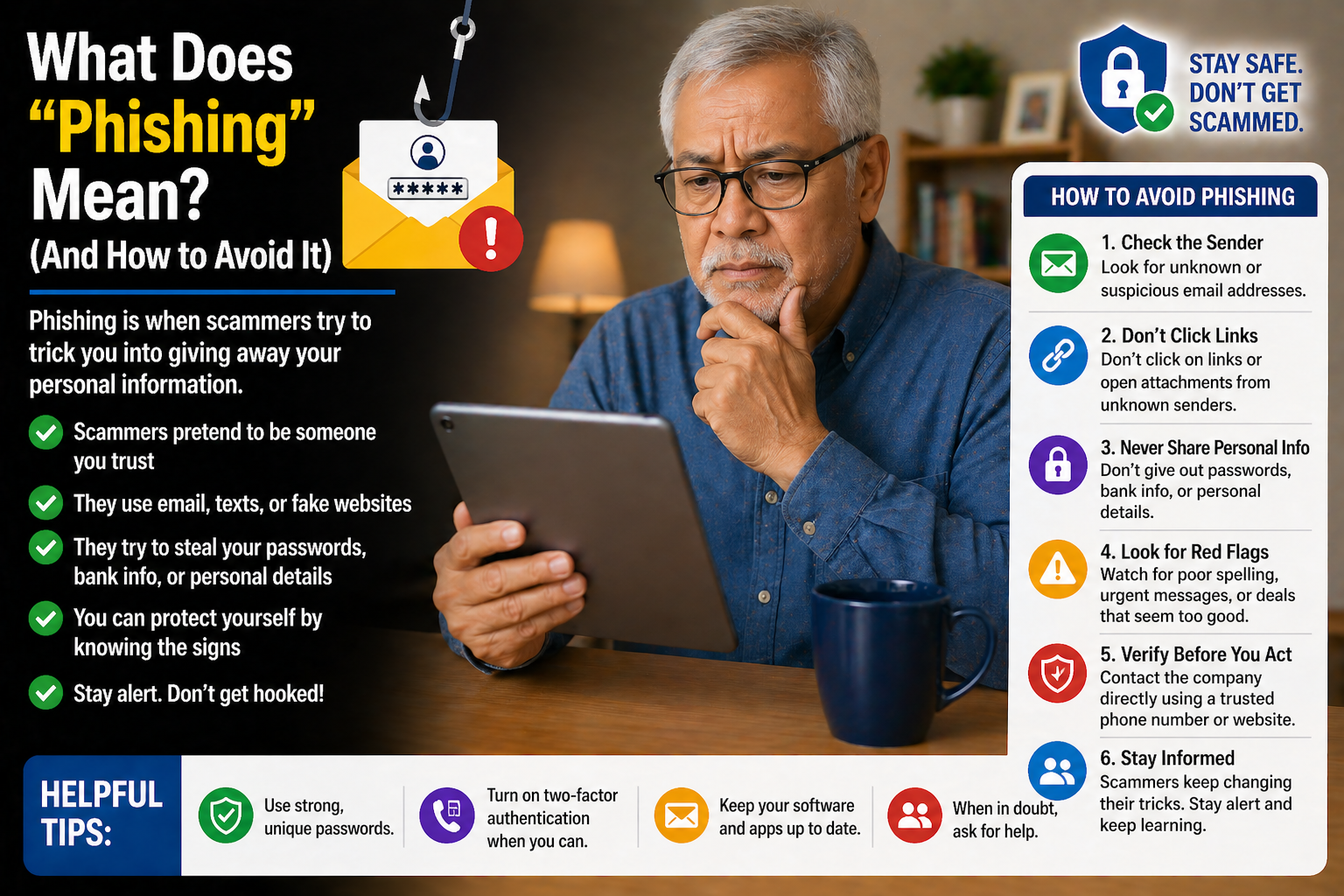
What Does “Phishing” Mean? (And How to Avoid It)
Discover how phishing scams work and learn simple tips to avoid fake emails, text messages, and websites designed to steal personal information.

How to Bookmark a Website (So You Can Find It Again Easily)
Discover how to save your favorite websites using bookmarks and make it easier to return to important pages anytime you need them.
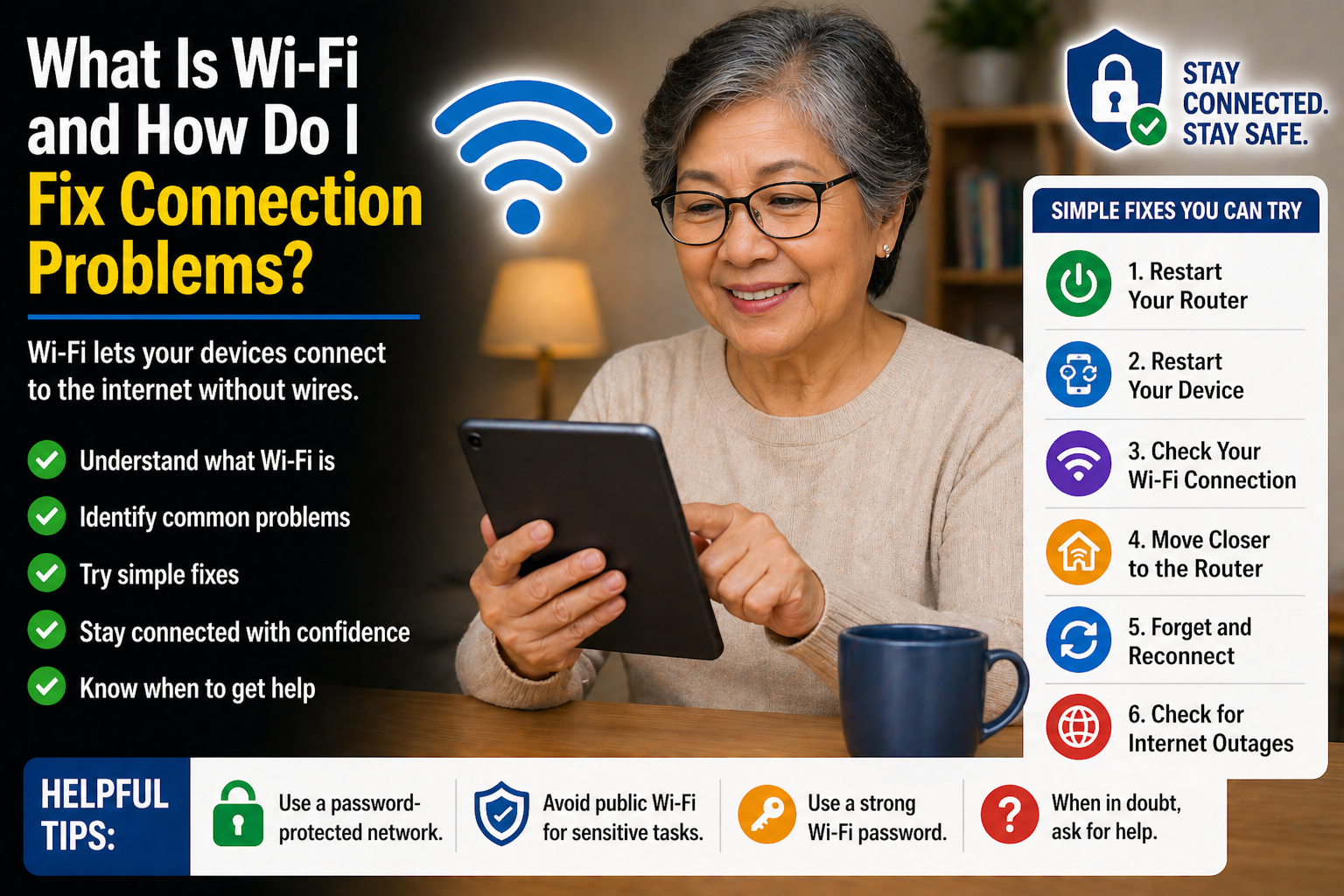
What Is Wi-Fi and How Do I Fix Connection Problems?
Having trouble with your Wi-Fi? Discover simple ways to understand internet connections and fix common Wi-Fi problems at home.
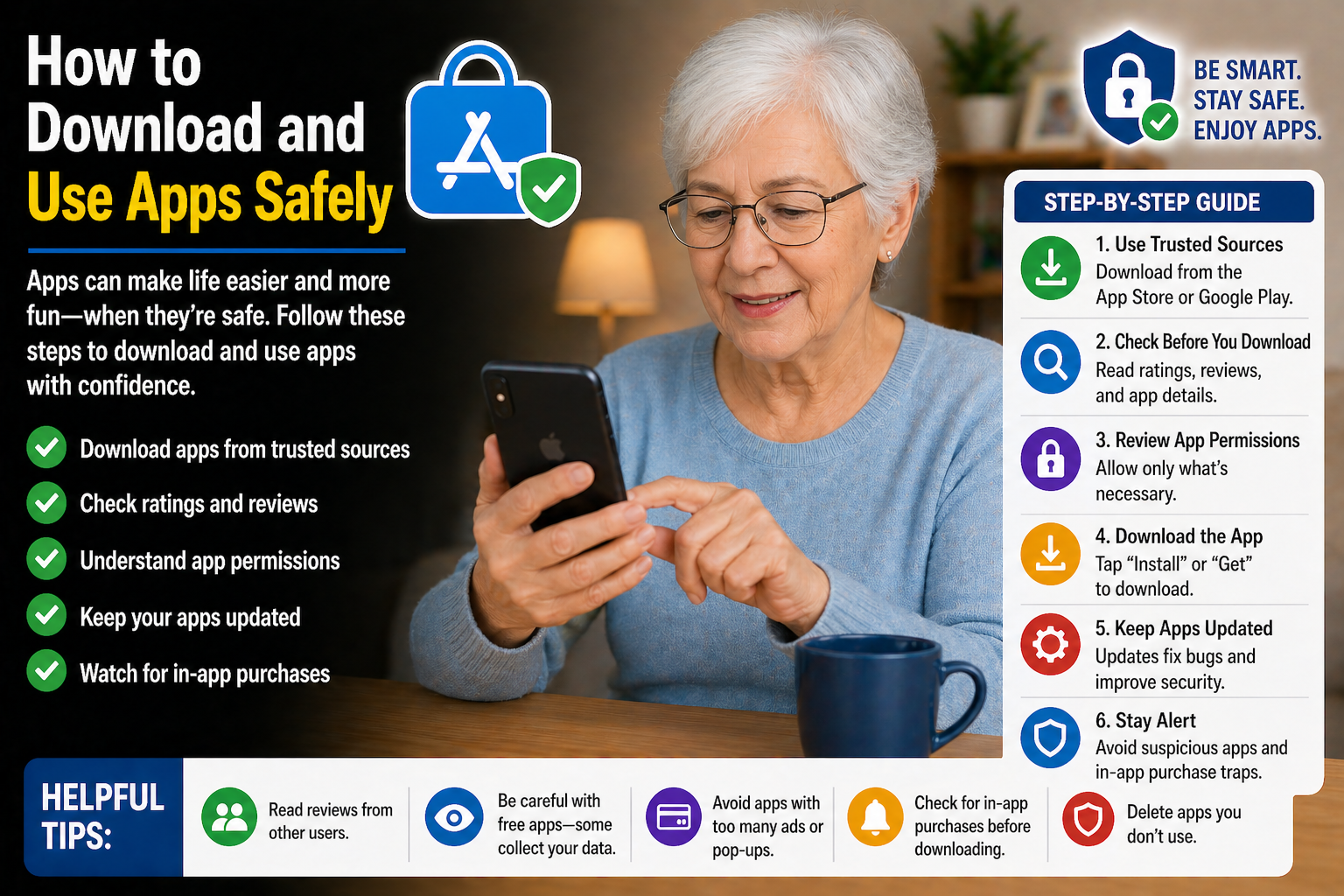
How to Download and Use Apps Safely
Discover simple tips for downloading and using apps safely while protecting your personal information and avoiding harmful or fake apps.
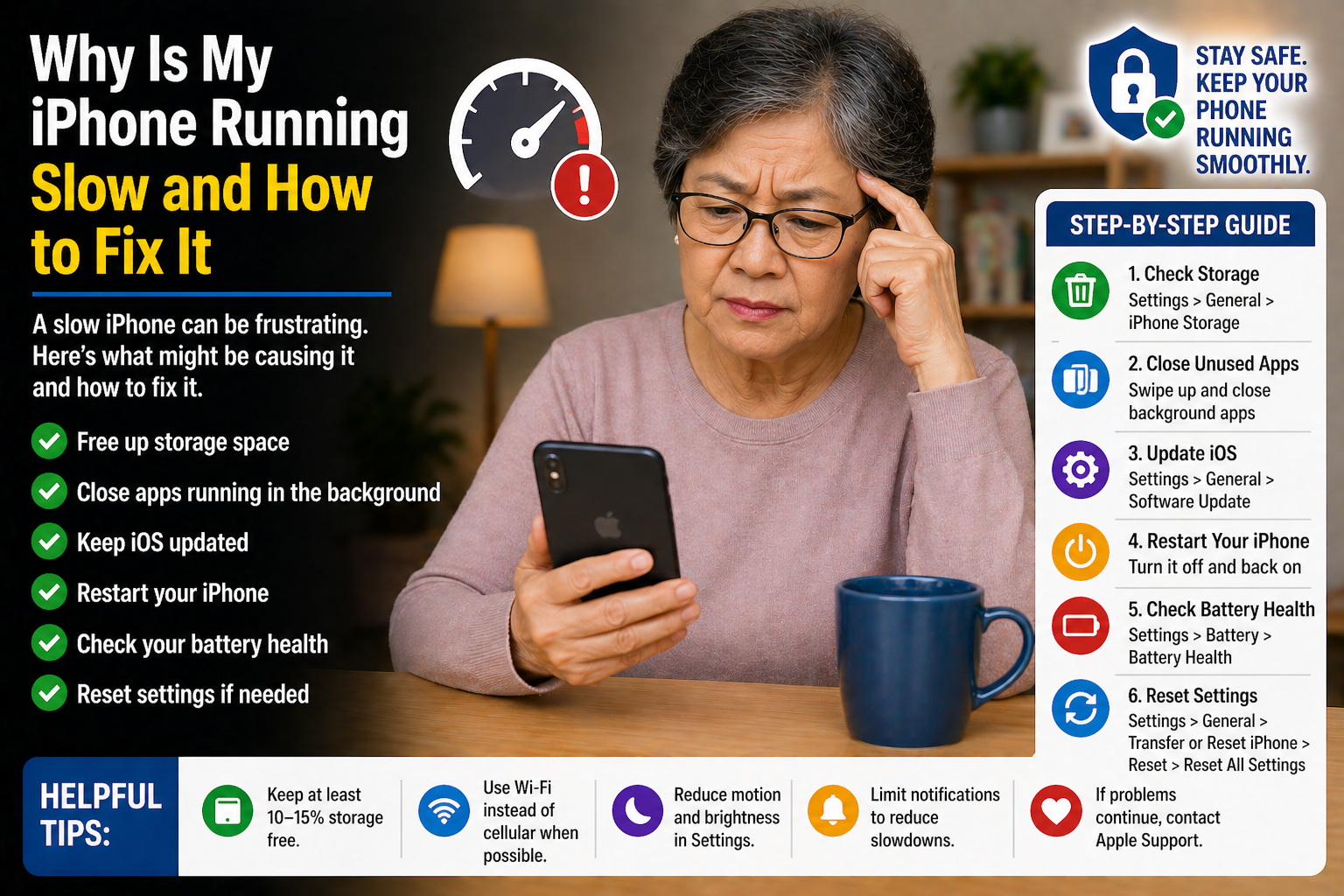
Why Is My Phone Running Slow? (And How to Fix It)
Is your phone running slowly? Discover simple tips to improve speed, clear storage, and make your smartphone easier to use every day.
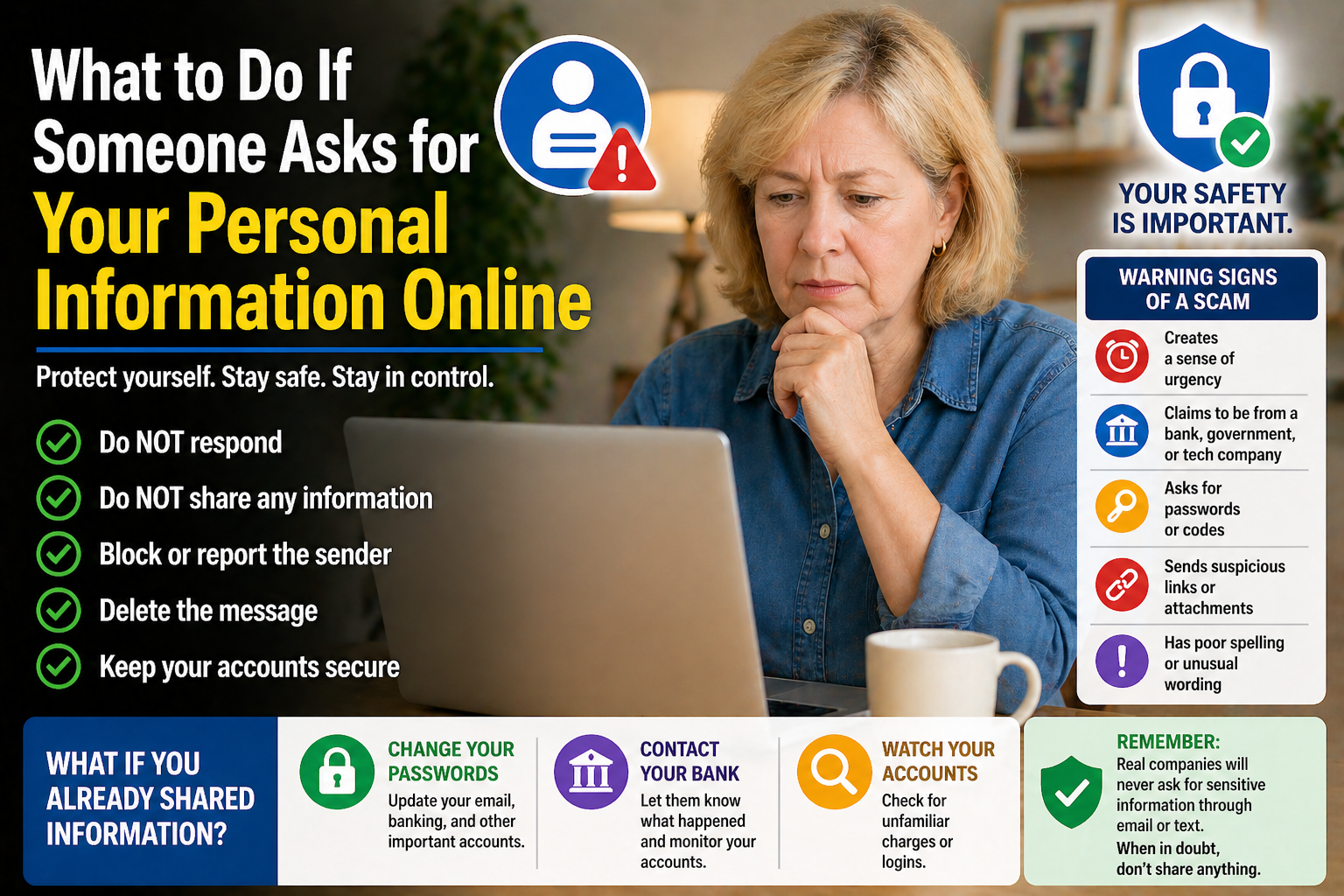
What to Do If Someone Asks for Your Personal Information Online
Discover simple ways to protect your personal information online and learn what to do when websites, emails, or messages ask for sensitive details.
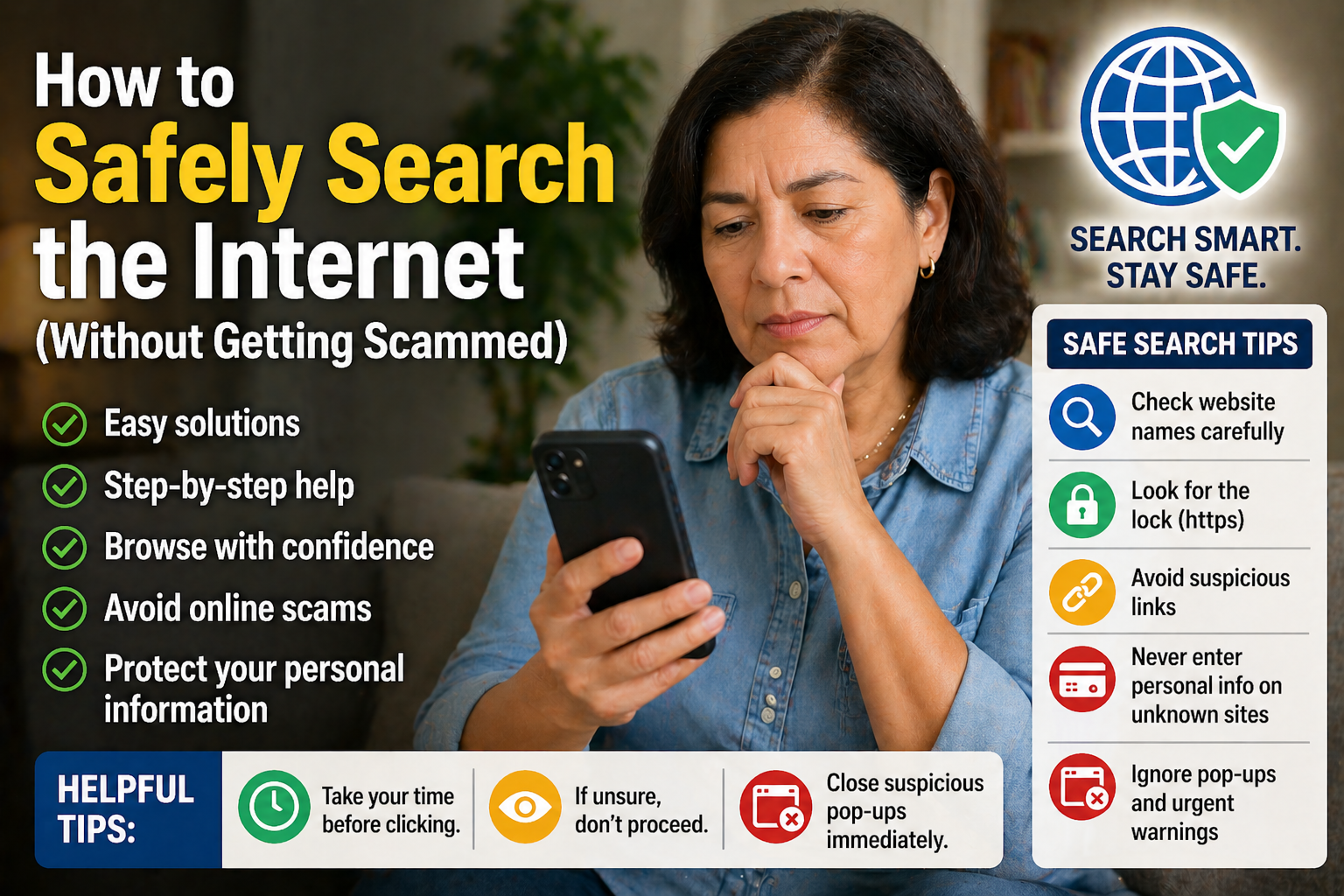
How to Safely Search the Internet Without Getting Scammed
Discover simple ways to search the internet safely, recognize suspicious websites, and avoid common online scams targeting seniors.
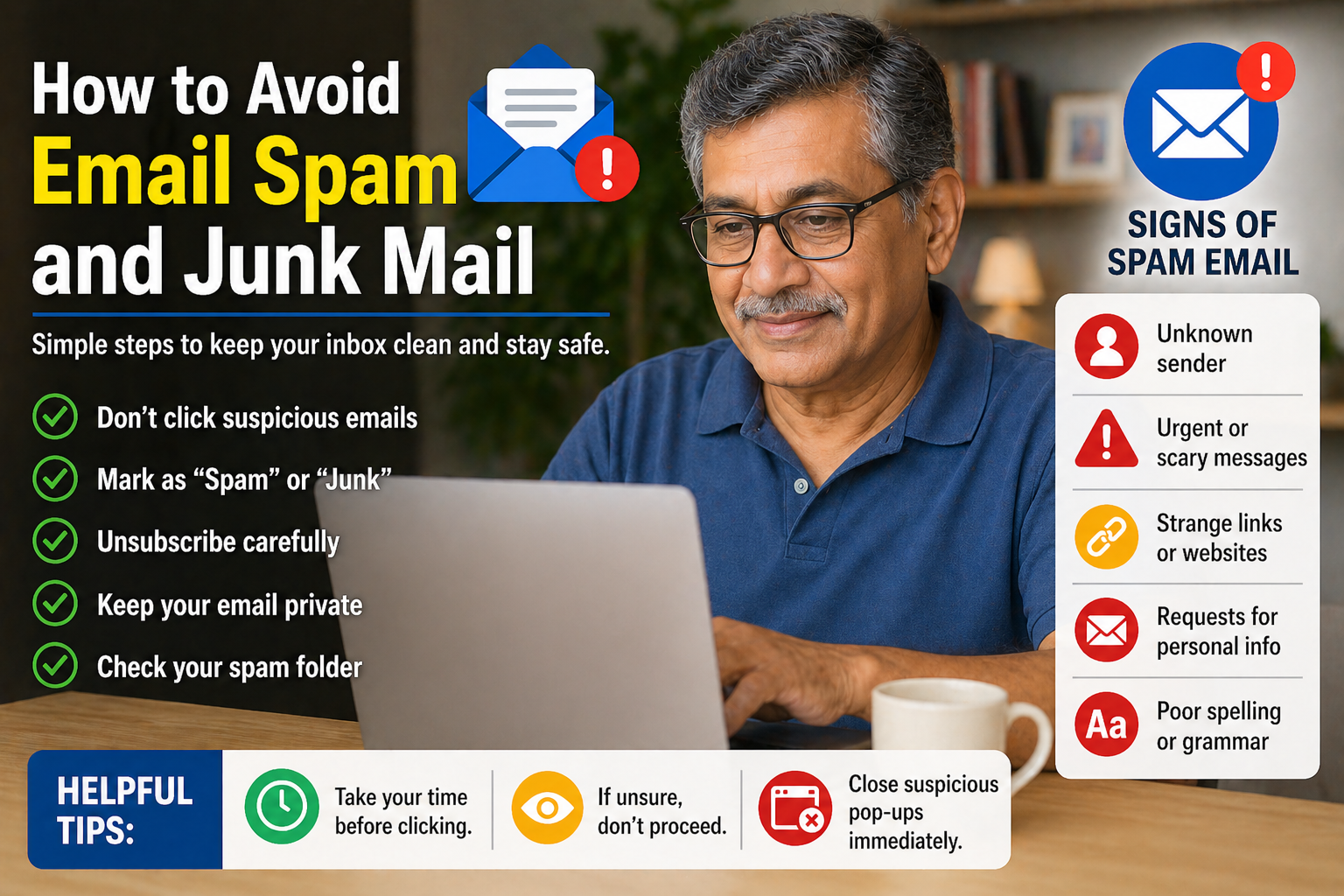
How to Avoid Email Spam and Junk Mail
Discover easy tips to reduce spam emails, organize your inbox, and avoid suspicious messages with this beginner-friendly guide for seniors.

How to Print a Document Step-by-Step
Discover easy steps to print documents, emails, and photos from your device with beginner-friendly instructions for seniors.

Why Is My Email Not Working? (Simple Fixes You Can Try)
Having trouble with your email? Discover simple fixes for common email problems and learn how to get your account working again.

How to Take and Send Photos on Your Smartphone
Discover how to take and share photos on your smartphone with easy instructions designed to help seniors stay connected with family and friends.

How to Use FaceTime Step-by-Step for Beginners
Discover how to use FaceTime with easy instructions designed for beginners and seniors who want to stay connected through video calls.

How to Block Spam Calls on iPhone and Android
Discover easy steps to reduce spam calls, block unwanted numbers, and stay safer from scam phone calls on your smartphone.
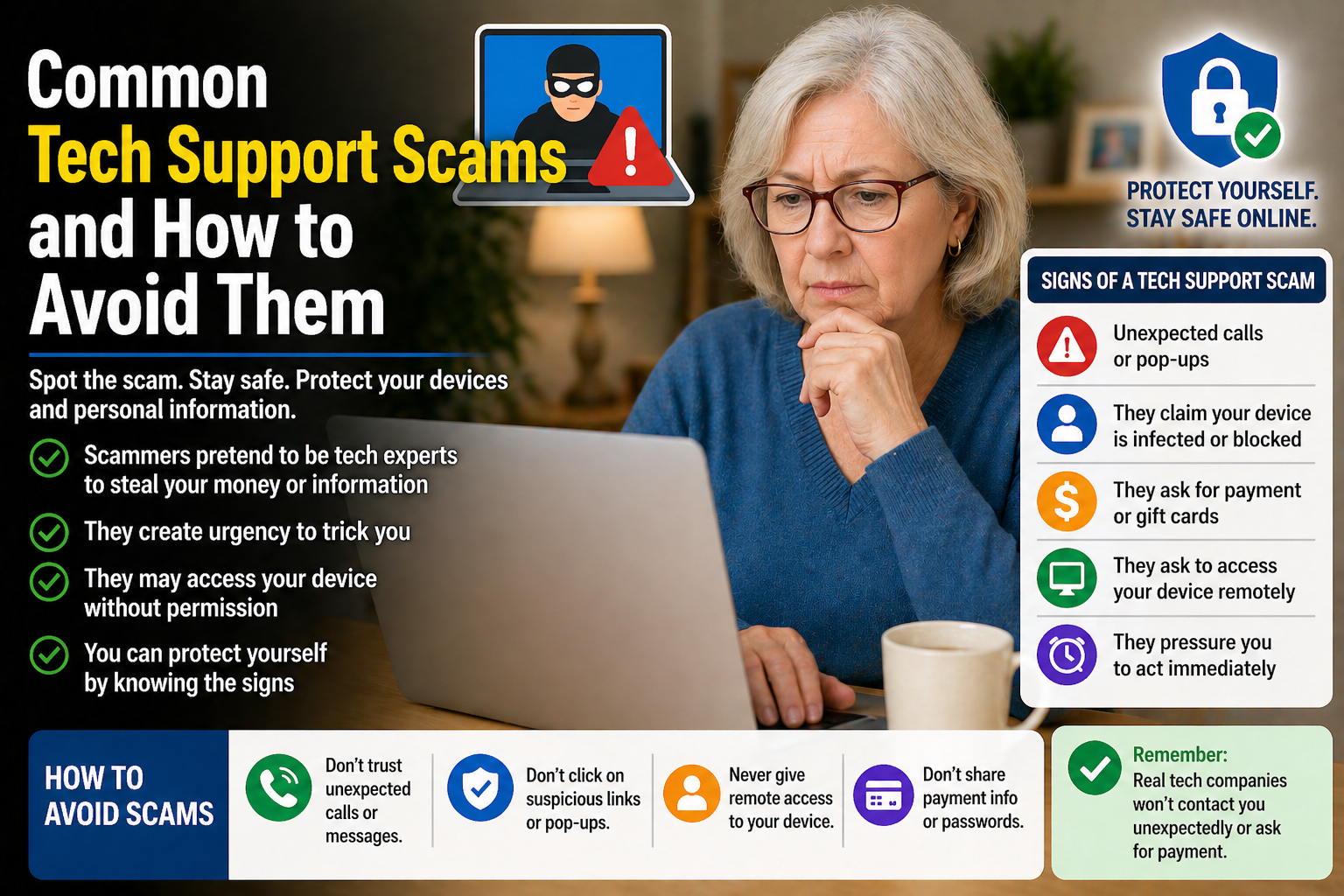
Common Tech Support Scams and How to Avoid Them
Discover common tech support scams targeting seniors and learn simple ways to stay safer from fake warnings, calls, and online fraud.
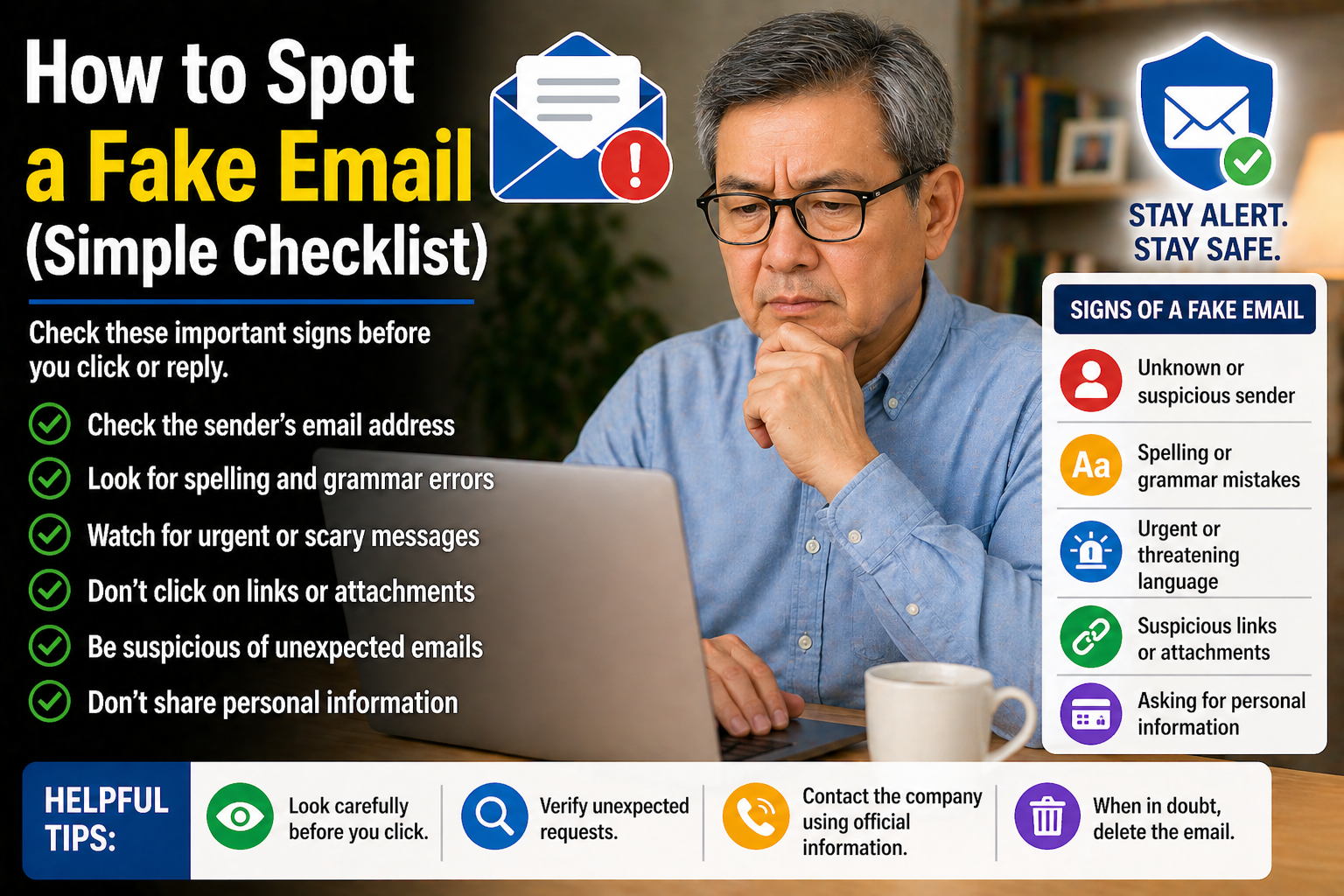
How to Spot a Fake Email (Simple Checklist)
Discover common warning signs of fake emails and learn simple ways to stay safer from phishing scams and online fraud.
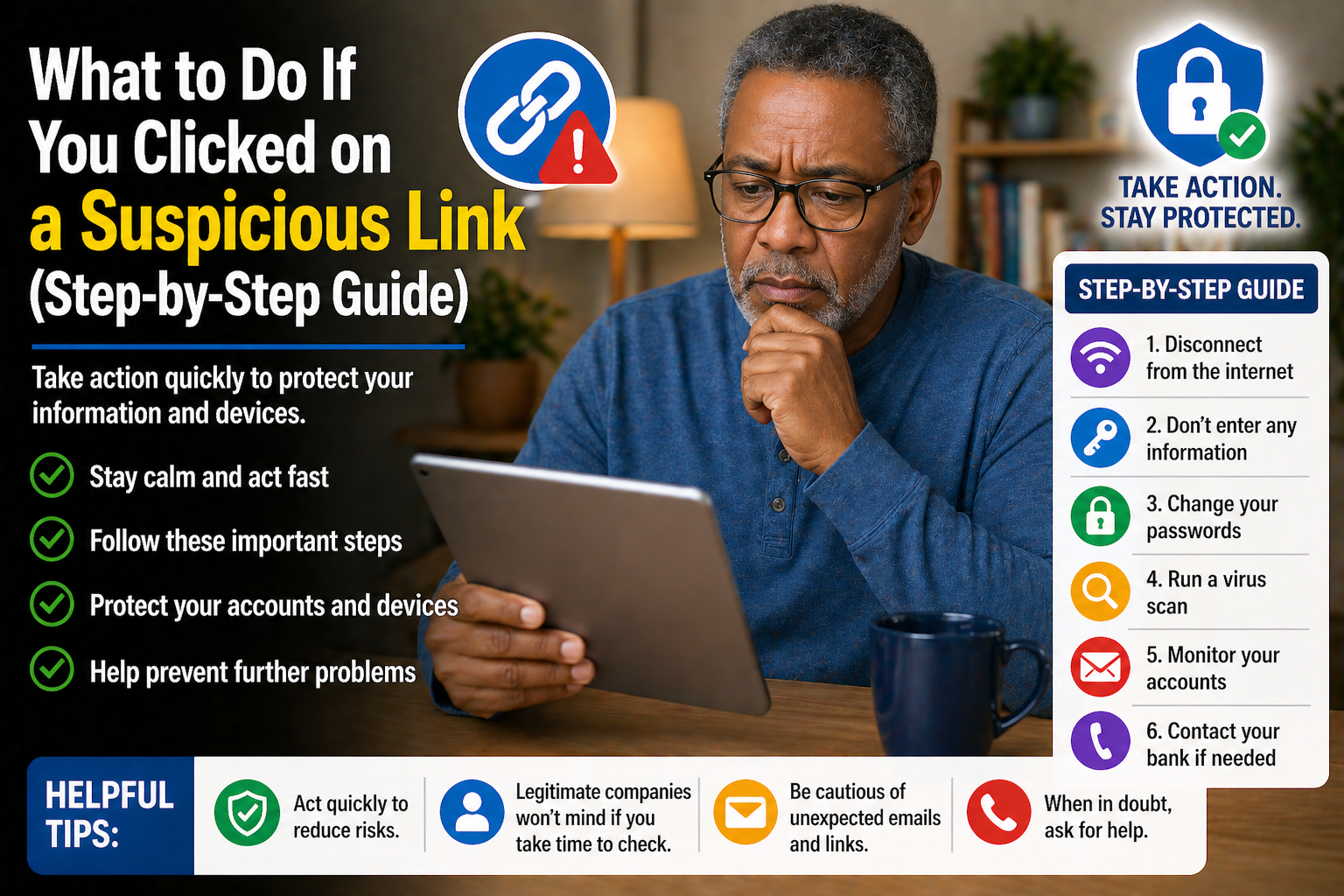
What to Do If You Clicked on a Suspicious Link (Step-by-Step Guide)
Clicked a suspicious link? Learn simple steps to secure your device, protect your personal information, and reduce the risk of online scams.
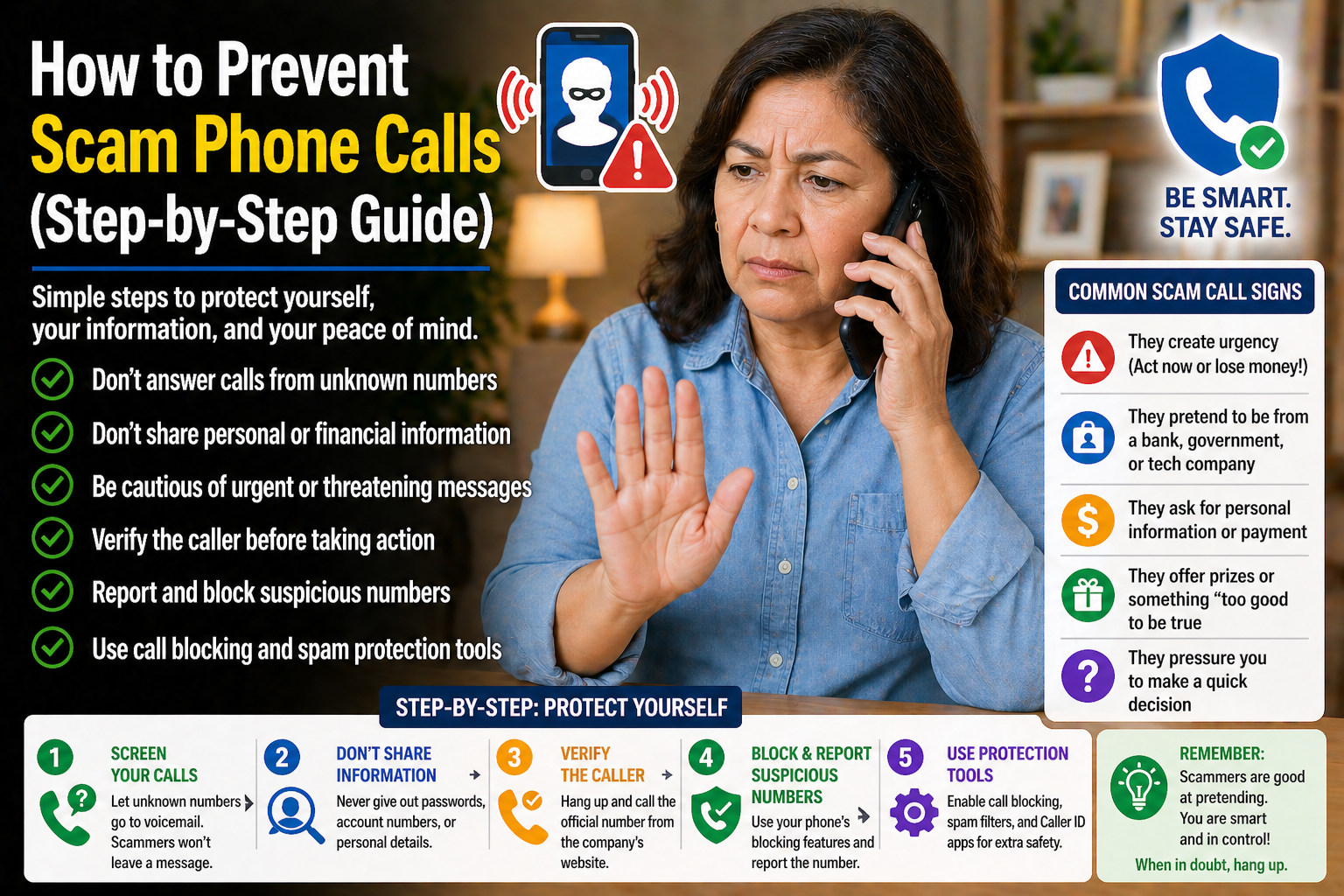
How to Prevent Scam Phone Calls (Step-by-Step Guide)
Discover practical steps to reduce scam phone calls, stay safer on the phone, and avoid common fraud tactics targeting seniors.
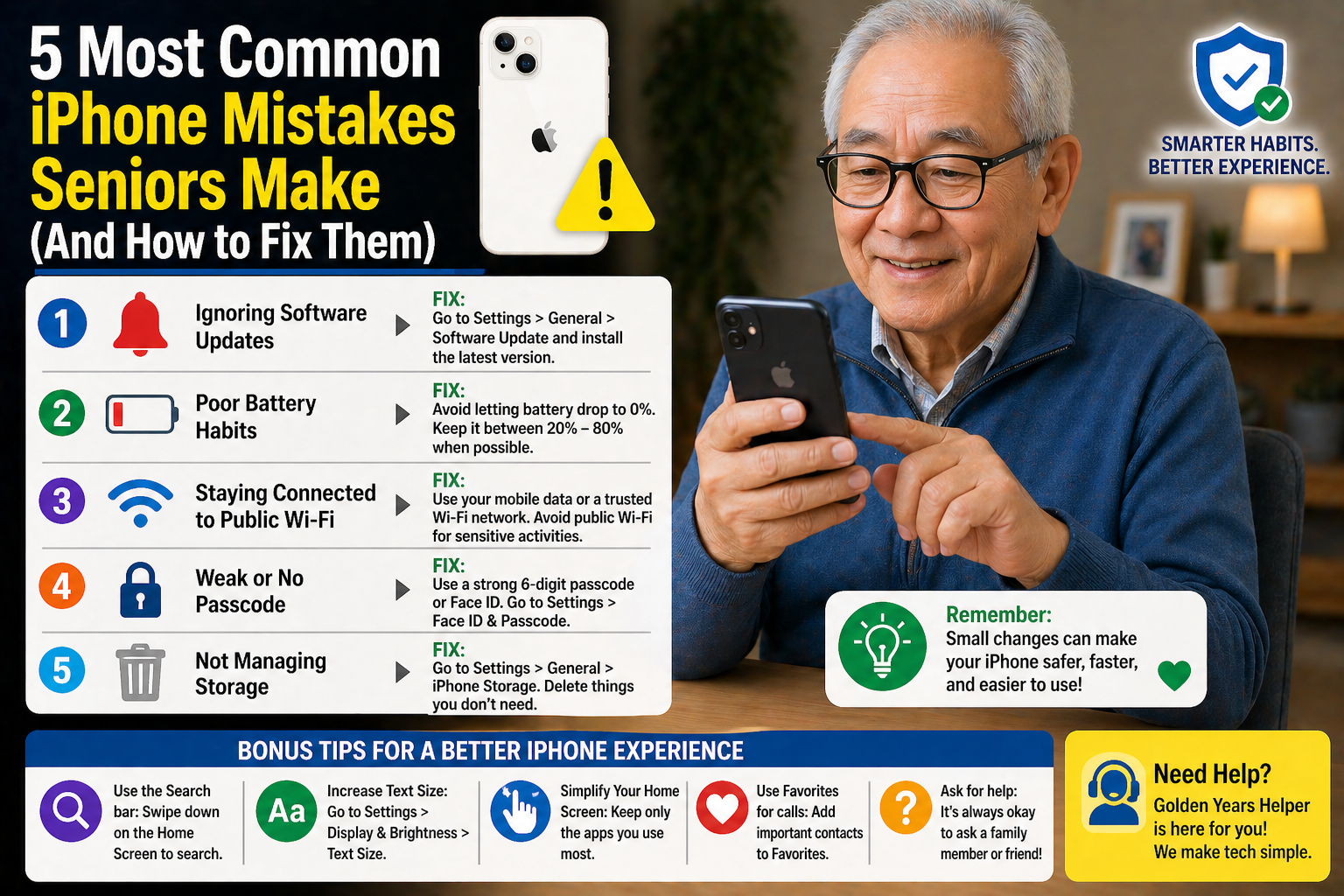
5 Most Common iPhone Mistakes Seniors Make (And How to Fix Them)
Learn about common iPhone mistakes many seniors make and discover simple tips to improve safety, settings, and everyday smartphone use.
Disclaimer: The blog articles provided by Golden Years IT are for general educational and informational purposes only. While we strive to share helpful and accurate technology tips, online threats and technology features may change over time. Readers should use their own judgment and verify important information before making decisions related to devices, accounts, privacy, or online security.