
Welcome to the Golden Years IT Learning Center
SENIOR TECH BLOG CATEGORIES:
Online Safety
Scam Prevention
Smartphone and Tablet Help
Computer and Internet Help
Tech Tips for Seniors
Technology should feel simple and helpful — not confusing.
These free guides are designed especially for seniors, with clear instructions and easy-to-follow steps to help you stay confident and safe online.
Need a little extra guidance? Start with a One-hour troubleshooting session or choose a Monthly subscription for continued support whenever you need it. We’re here for you — every step of the way. Just click the “Become a Member” button below to join.
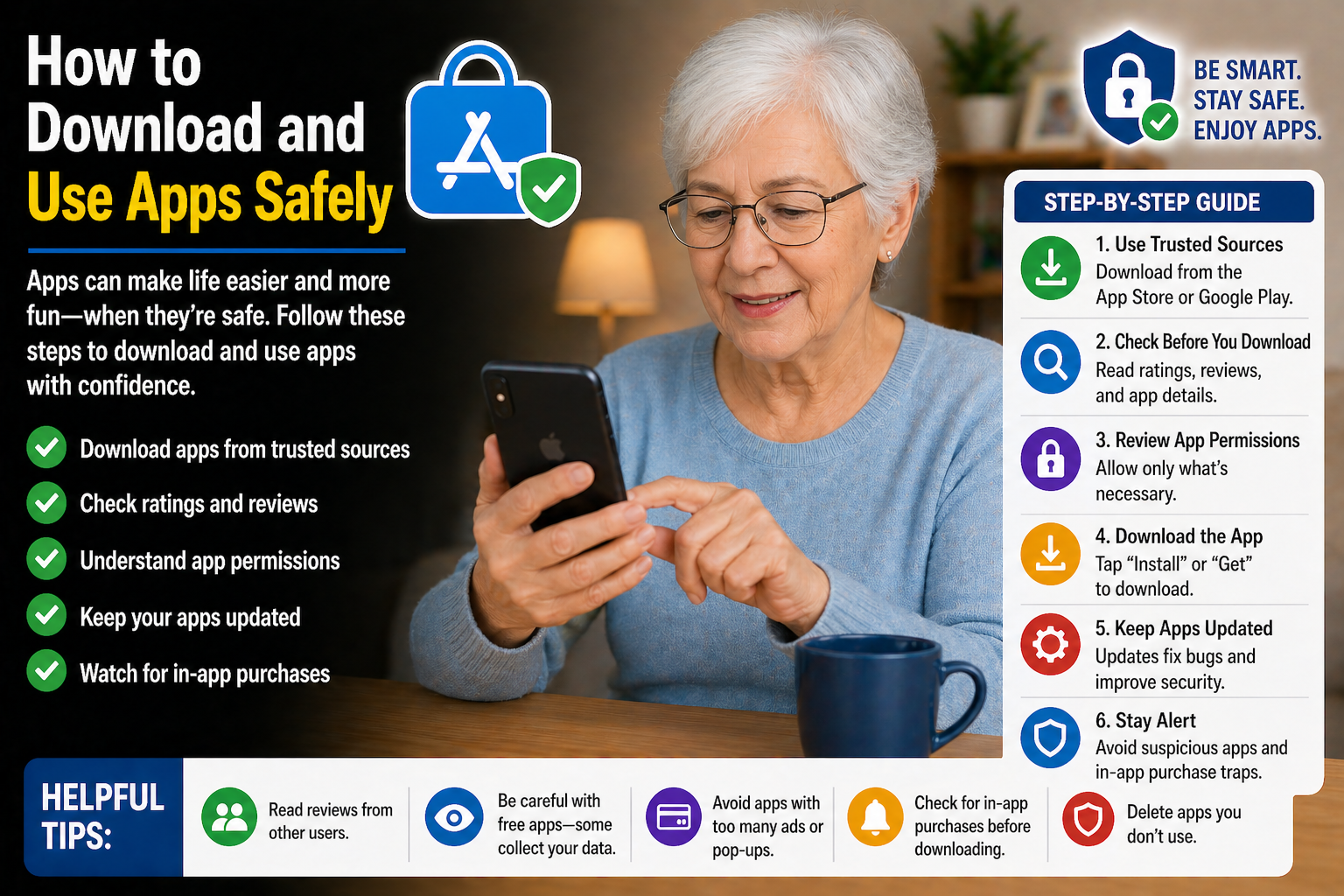
How to Download and Use Apps Safely
Discover simple tips for downloading and using apps safely while protecting your personal information and avoiding harmful or fake apps.

Why Is My Phone Running Slow? (And How to Fix It)
Is your phone running slowly? Discover simple tips to improve speed, clear storage, and make your smartphone easier to use every day.

How to Take and Send Photos on Your Smartphone
Discover how to take and share photos on your smartphone with easy instructions designed to help seniors stay connected with family and friends.

How to Use FaceTime Step-by-Step for Beginners
Discover how to use FaceTime with easy instructions designed for beginners and seniors who want to stay connected through video calls.

5 Most Common iPhone Mistakes Seniors Make (And How to Fix Them)
Learn about common iPhone mistakes many seniors make and discover simple tips to improve safety, settings, and everyday smartphone use.
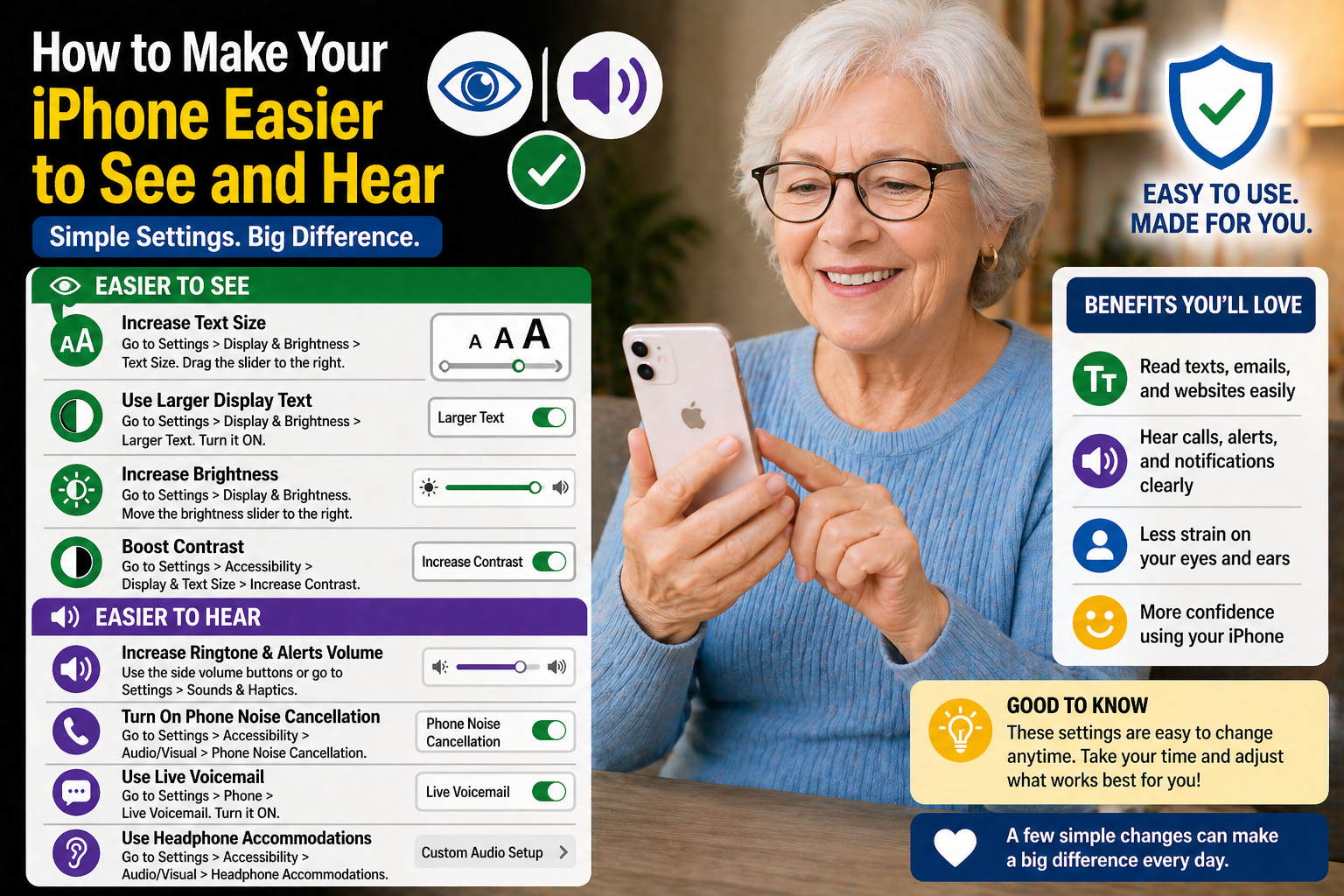
How to Make Your iPhone Easier to See and Hear
Learn simple iPhone settings that can make text easier to read, increase volume, and improve visibility and sound for everyday use.
Disclaimer: The blog articles provided by Golden Years IT are for general educational and informational purposes only. While we strive to share helpful and accurate technology tips, online threats and technology features may change over time. Readers should use their own judgment and verify important information before making decisions related to devices, accounts, privacy, or online security.